Quick Answer
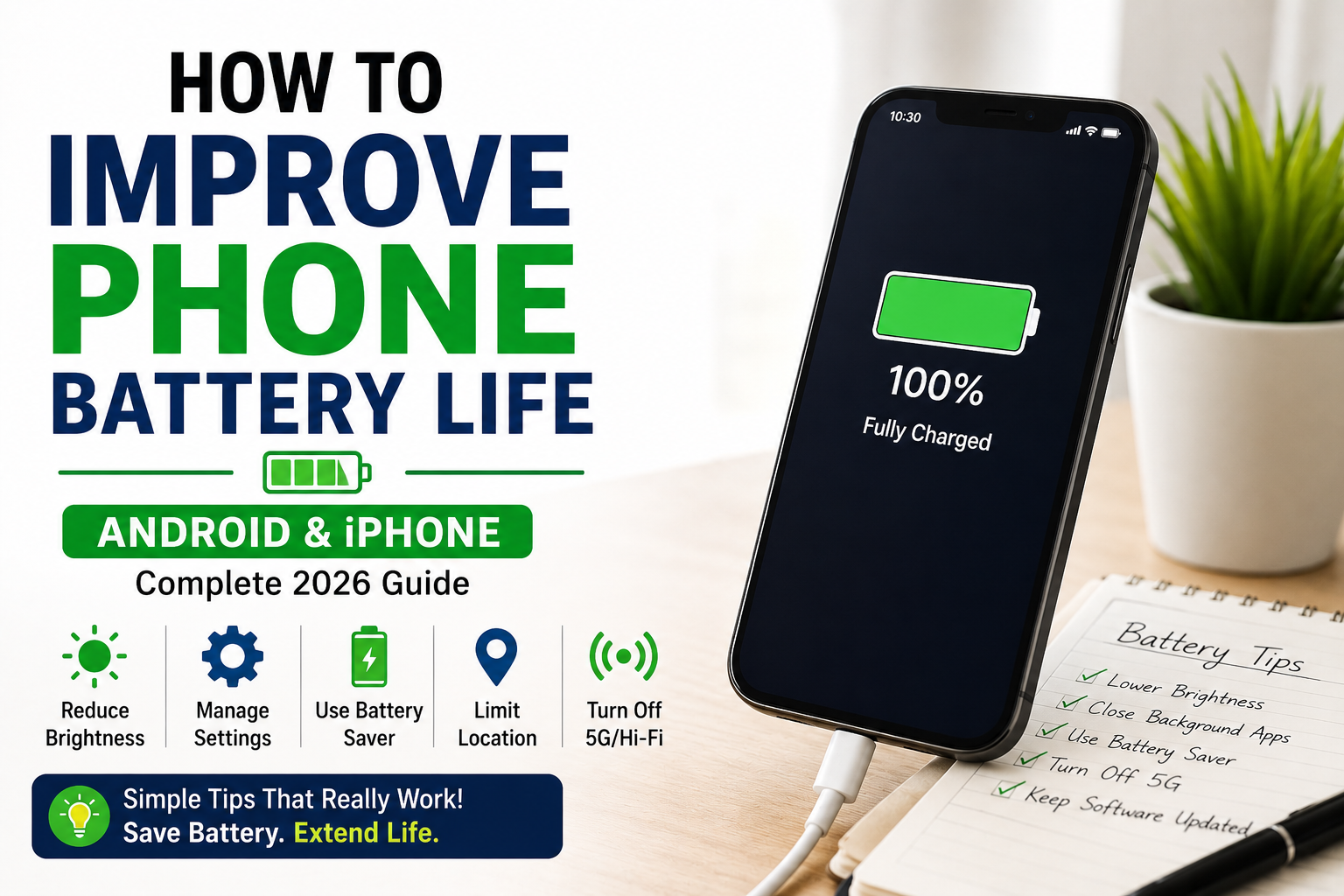
If your phone battery drains too fast, the best ways to improve battery life are:
- Lower screen brightness or enable auto-brightness
- Reduce refresh rate if unnecessary
- Restrict background apps
- Disable unnecessary 5G, Bluetooth, Wi-Fi, or GPS
- Use battery saver strategically
- Improve charging habits
- Monitor battery health
For most users, screen settings + background apps + network usage are the biggest battery drainers.
Introduction
Battery life is one of the biggest frustrations for smartphone users today. Whether you use Android or iPhone, battery drain can often feel worse than expected.
In real-world use, battery problems are often caused by settings, apps, 5G, brightness, or charging habits—not just battery age.
Before replacing your phone, proper optimization can often improve battery life significantly.
Battery Health vs Daily Battery Drain
Battery Health
This refers to long-term battery capacity degradation.
- Frequent overheating
- Random shutdowns
- Battery health below 80%
Daily Battery Drain
This is often caused by apps, settings, GPS, notifications, or display usage.
Understanding the difference helps you fix the right problem faster.
Biggest Causes of Battery Drain
1. Display Settings
- High brightness
- 120Hz refresh rate
- Always-on display
- Live wallpapers
Fix: Lower brightness, use dark mode, disable always-on display.
2. Background Apps
Apps like Instagram, Facebook, TikTok, Snapchat, and Maps can drain battery heavily in the background.
Fix: Restrict background activity and disable unnecessary app refresh.
3. GPS / Navigation
Maps and location-heavy apps can rapidly drain battery.
Fix: Use “While Using App” location access only.
4. 5G vs 4G
5G often drains more battery than LTE, especially in weak signal areas.
Fix: Switch to LTE/4G when high-speed 5G is unnecessary.
Battery Drain by Use Case
| Activity | Battery Drain Level |
|---|---|
| Gaming | Very High |
| Camera / Video Recording | High |
| Navigation / GPS | High |
| Office / Social Media Use | Moderate to High |
Best Battery Saving Tips for Android
Samsung
- Adaptive Battery
- Power Saving Mode
- Disable Always On Display
Xiaomi / Redmi
- Restrict autostart apps
- Use MIUI battery saver
OnePlus
- Optimized charging
- App battery optimization
Universal Android Tips
- Reduce refresh rate
- Dark mode
- Disable unnecessary sync
Best Battery Saving Tips for iPhone
- Enable Low Power Mode
- Turn off Background App Refresh
- Limit location services
- Check Battery Health regularly
Charging Habits That Matter
Avoid:
- Cheap chargers
- Extreme heat
- Gaming while charging
- Draining to 0% often
Better habits:
- Charge between 20–80% when practical
- Use certified chargers
- Reduce charging heat
Emergency Battery Mode: Make 10% Last Longer
- Enable battery saver
- Lower brightness
- Turn off Bluetooth
- Disable 5G
- Close social apps
- Use airplane mode if signal is weak
Biggest Battery Drainers Ranked
| Battery Drain Source | Impact |
|---|---|
| High brightness | Very High |
| Gaming | Very High |
| GPS / Navigation | High |
| 5G weak signal | High |
| Social media apps | High |
When to Replace Your Battery
- Battery health below 80%
- Frequent overheating
- Random shutdowns
- Battery drains abnormally despite fixes
Helpful Accessories
- Certified charger
- Power bank
- Battery monitoring apps
- Cooling stand
Related Guides
Final Verdict
For most users, improving battery life is more about smarter optimization than buying a new phone.
The biggest battery improvements usually come from:
- Better display settings
- Background app control
- 5G/LTE management
- Smarter charging habits
- Battery health awareness
Before upgrading your phone, optimize your settings properly first.
FAQs
Why is my phone battery draining so fast?
Usually due to brightness, background apps, GPS, 5G, or poor battery health.
Does 5G drain battery?
Yes, especially in weak network conditions.
Is dark mode helpful?
Yes, particularly on OLED screens.
When should I replace my battery?
When battery health drops below 80% or battery performance becomes unreliable.


Great content! Keep up the good work!