Quick Answer
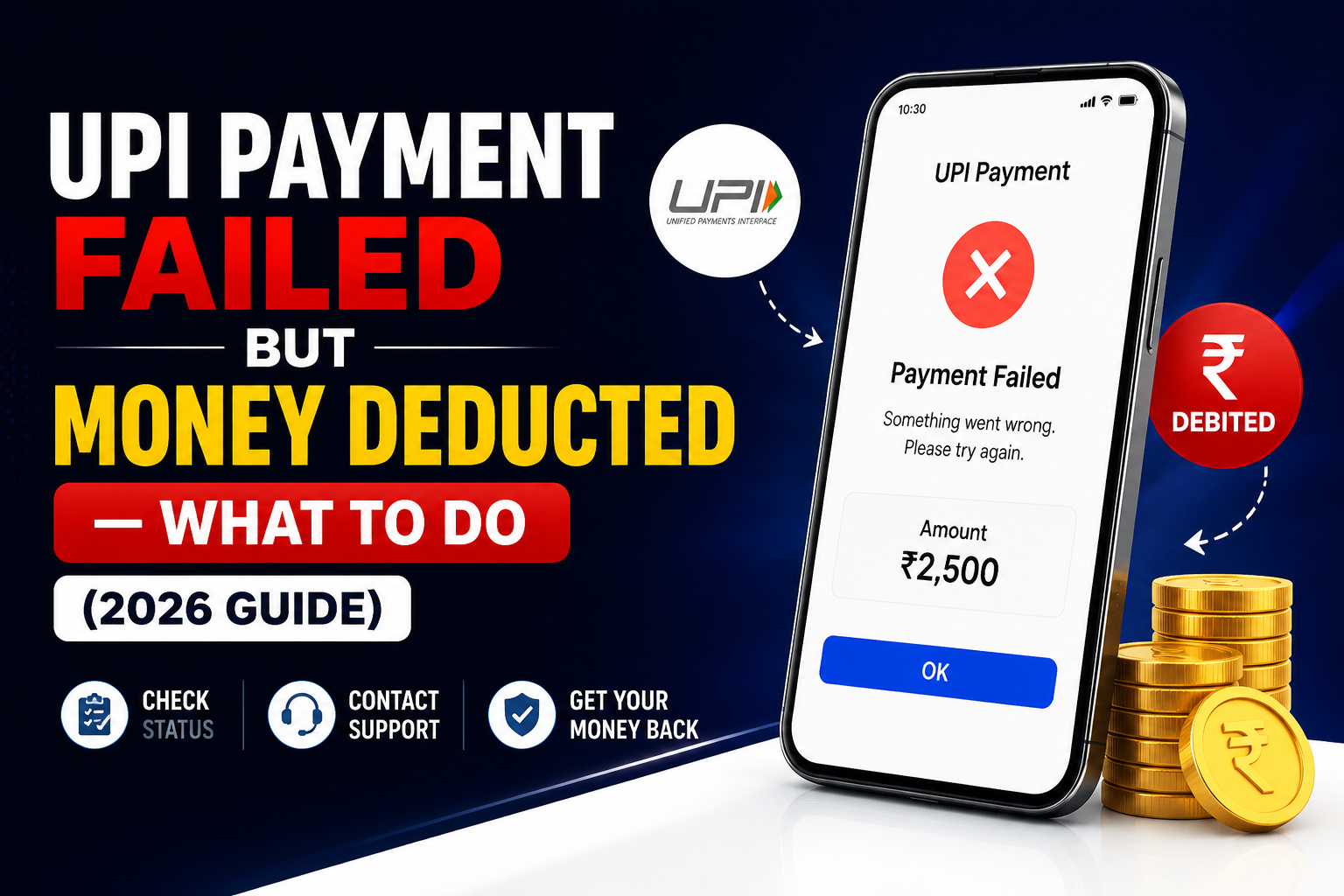
If your UPI payment failed but money was deducted from your account, the amount will almost always be automatically refunded within 2-3 business days — this is how the UPI system is designed to work. You don’t need to do anything in most cases. However if the money doesn’t come back within 5 business days, you’ll need to raise a complaint through your UPI app or directly with your bank. Here’s how to handle both situations.
Introduction
Picture this: you’re standing at a medical shop, you tap pay on GPay, the screen freezes for a few seconds, then shows “Payment Failed” — but when you check your bank balance, the money is already gone. Your heart sinks a little. Did it just vanish? Did the shopkeeper get it without the app confirming it? Is it stuck somewhere in between?
This exact situation happens to thousands of people every single day across India — at petrol pumps, grocery stores, while paying electricity bills at 11pm before the due date, or splitting a restaurant bill with friends. It feels alarming in the moment, but in almost every case, the money is not lost — it’s just temporarily held up somewhere in the chain between your bank, the UPI network, and the receiver’s bank.
Here’s what’s actually happening and what to do about it.
Why does this even happen?
UPI transactions move through multiple systems in a matter of seconds — your bank, the NPCI (National Payments Corporation of India) network, and the receiver’s bank all have to talk to each other and confirm the transaction simultaneously. When any one of these systems has a hiccup — a slow server response, a network timeout on your phone, a brief outage at the bank’s end — the payment can get stuck midway.
What typically happens in this case is that your bank has already debited the amount (since your side of the transaction went through), but the confirmation back from the receiver’s bank never arrived, so the UPI app shows it as failed. Your money is essentially sitting in a holding state — not with the shopkeeper, not back in your account yet, but technically “in transit” while the system figures out what to do with it.
The good news is NPCI has a built-in rule for exactly this: if a transaction fails after debit, the amount must be automatically reversed within 2-3 business days. This isn’t optional for banks — it’s a mandate. Most of the time it comes back even faster, within a few hours.
Step 1: Don’t pay again immediately
This is the most important thing to do first, and the most common mistake people make.
Say you’re paying ₹500 at a petrol pump and the transaction fails after deduction. The pump attendant says “it didn’t come through, pay again.” You panic slightly and pay again — now you’ve paid ₹1,000 total for a ₹500 fill-up, and getting that second payment back as a refund is a much more complicated process than just waiting for the automatic reversal.
Before retrying, check two things: your bank balance to confirm whether money was actually deducted, and your UPI app’s transaction history to see the actual status. A “failed” label in the app with money missing from your balance is the specific scenario this guide covers. If the balance is untouched, it’s safe to try again.
Step 2: Check your UPI app transaction history
Open whichever app you used — GPay, PhonePe, Paytm, or your bank’s own UPI app — and go to your transaction history or payment history section.
Look for the failed transaction. Most apps will show one of these statuses: “Failed,” “Pending,” or “In Progress.” A “Pending” status is actually a good sign — it means the system is still processing and the money hasn’t been lost, it’s just in transit. Give it a few hours before worrying further.
If it says “Failed” and the money is still missing from your account, move to Step 3.
Step 3: Wait up to 2-3 business days for automatic refund
This is genuinely the right move in most cases, even though it feels uncomfortable.
NPCI’s guidelines require banks to auto-reverse failed UPI transactions within 2-3 business days. In practice, most reversals happen within a few hours to 24 hours. Weekends and bank holidays don’t count as business days, so if your payment failed on a Friday evening, don’t panic if the money isn’t back by Saturday morning — it’ll typically show up by Monday or Tuesday.
While you wait, keep a note of the transaction reference number (also called UTR number — Unique Transaction Reference) visible in your UPI app’s transaction details. You’ll need this if you have to escalate later.
Step 4: Raise a complaint in the UPI app if money doesn’t return
If 3 business days have passed and the money still hasn’t come back, it’s time to raise a formal complaint. Here’s how to do it in each major app:
- GPay: Go to the failed transaction → tap on it → scroll down and tap “Report a problem” → select “Money debited but transaction failed” → follow the prompts. GPay usually responds within 48 hours and escalates to your bank directly.
- PhonePe: Go to History → find the transaction → tap “Need Help?” → select the relevant issue. PhonePe has a fairly responsive support system and typically resolves these within 2-3 working days.
- Paytm: Go to your passbook or transaction history → find the failed payment → tap “Help & Support” → select “My money is debited but transaction failed.” Paytm’s resolution can sometimes take longer, up to 5-7 working days in some cases.
- Your bank’s own UPI app (like iMobile, YONO, or similar): Look for “Raise Dispute” or “Transaction Dispute” in the app’s support section, or call your bank’s customer care number directly and quote your UTR number — this often gets resolved faster than going through the app alone.
Step 5: Escalate to your bank directly if the app doesn’t resolve it
If the UPI app’s internal complaint hasn’t resolved it within the promised timeframe, go directly to your bank. Call their customer care number (available on the back of your debit card or on the bank’s official website), mention the UTR number, the date, the amount, and that it was a failed UPI transaction with deduction. Ask them to raise a “chargeback” or “transaction dispute” internally.
Banks are required by RBI guidelines to resolve these within 30 days, but most legitimate failed-payment cases resolve far sooner — usually within a week of raising a formal complaint.
If even your bank hasn’t resolved it within 30 days, you can file a complaint on the NPCI portal directly at npci.org.in or on the RBI’s consumer complaint portal at cms.rbi.org.in. These escalations are rarely needed, but they exist and they work.
When is the money actually gone for good?
Almost never in a standard failed UPI transaction. The scenario where money is genuinely at risk is when you’ve been scammed — for example, you scanned a QR code that turned out to be fake, or someone called pretending to be a bank representative and tricked you into approving a payment request. In those cases the transaction technically “succeeded” (money reached a fraudster’s account), which is a different situation entirely and requires filing a police complaint and contacting your bank’s fraud team immediately.But if it’s a genuine technical failure — app crash, network timeout, server issue — your money will come back. The UPI system has very strong protections for exactly this scenario.
How to avoid this stress in the future
Keep mobile data stable before large payments — switching between WiFi and mobile data mid-transaction is a common cause of timeouts. Always check your bank balance before retrying any failed payment. Save your UPI app’s customer care number in your contacts so you’re not scrambling to find it when something goes wrong. And turn on SMS transaction alerts from your bank if you haven’t already — a real-time SMS showing the debit means you know immediately whether money actually left your account, rather than relying solely on the app’s sometimes-delayed status update.
FAQ
Will I get the full amount back or just part of it?
You’ll get the full amount back. Refunds for failed UPI transactions are always for the exact amount deducted — no fees or deductions are applied.
What if the shopkeeper is insisting the payment didn’t reach them and asking me to pay again?
Check your UPI app’s transaction history first. If it shows “Failed” and your bank was debited, you’re in a reversal situation — the shopkeeper genuinely didn’t receive anything. Politely explain this and offer to pay by another method while the refund processes, rather than paying a second time on the same failed UPI attempt.
Can I speed up the refund process?
Not really — the reversal timeline is set by the banking system, not the UPI app. Raising a complaint in the app is worth doing if 3 days have passed, since it creates a formal record and can sometimes prompt faster action, but the initial 2-3 day window is mostly just a waiting game.
My transaction shows “Pending” for more than 24 hours — is that normal?
It’s not common. Pending status for more than 24 hours usually means something got stuck at the bank or NPCI level rather than resolving automatically. Go ahead and raise a complaint in the app at that point rather than waiting for the full 3-day window.
Is this the same as a refund from an online shopping return?
No — a failed UPI transaction reversal is handled entirely by the banking system and typically takes 2-3 business days. A refund from an e-commerce return (Flipkart, Amazon, Meesho) is initiated by the seller and can take 5-7 business days depending on the platform, even if it comes back to the same UPI-linked account.